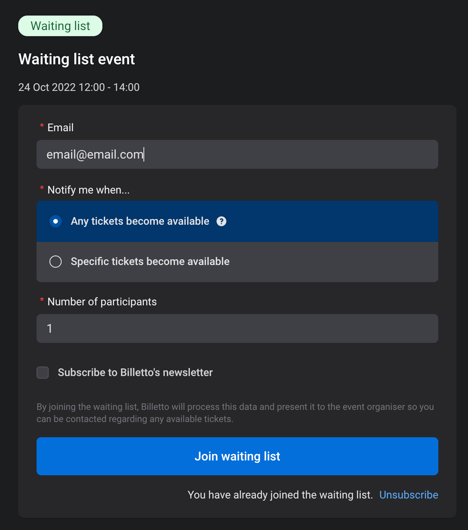
By default, a waiting list is enabled on all new events in manual mode.
When ticket types are sold out or no longer available if you enable a waiting list, then ticket buyers can sign up to a list allowing either automatic emails to be sent out when more tickets are released or you can reach out.
Where to find it for a specific event:
You can modify, disable, or enable this feature by going to My Billetto → Manage → Attendees → Waiting List.
Where to find it on account level for all events:
You can alter, disable and enable this feature in Manage - Attendees - Waiting List.
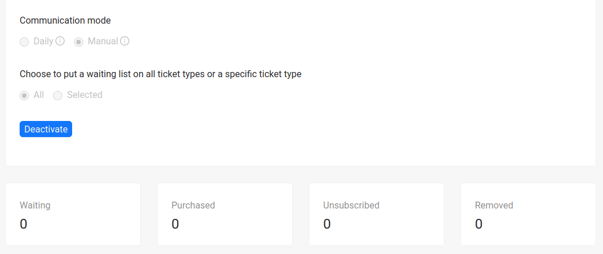
Communication mode:
-
Daily: Sends out an email to all people in the waiting list if there are any tickets available on a first-come-first-serve basis.
-
Manual: Collects the email address of those interested and nothing else.
-
Disabled: When you disable a waiting list after it has been activated, you will not lose any of the data stored in the waiting list.
Please note when the even starts all emails on the wait list will be removed, we recommend downloading the list beforehand, if you need the information after the event starts
View for Ticket Buyers: