
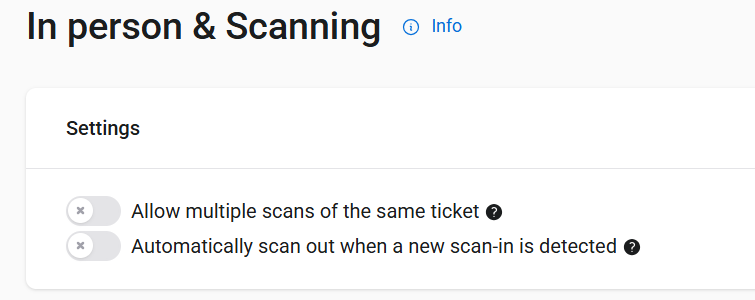
We've added a new account-level setting for organisers using the Android Access Control app: Automatically scan out when a new scan-in is detected.
Note: This feature is currently only available in the Android Access Control app.
Where to find the setting
This setting is available under Sell → In Person & Scanning and is disabled by default.
It can only be enabled when Allow multiple scans of the same ticket is also turned on.
Why this matters
In some venues, guests may move between different entrances or locations without being manually scanned out first.
With this update, when a ticket is scanned in again, the Android Access Control app can automatically create a scan-out log first. This makes it possible to then register the new scan-in correctly, including the terminal or device where it happened.
This helps create a more accurate scan history for organisers managing access across multiple locations or scanning points.
Important: This setting is configured at the account level and therefore applies to all events by default.
To manage this for individual events, go to On Site on your event and open Scanning.
If you only want to use this feature for specific events, disable Allow multiple scans of the same ticket on the events where you don't want this behaviour. Since automatic scan-out only works when multiple scans are allowed, the feature will automatically be disabled for those events.