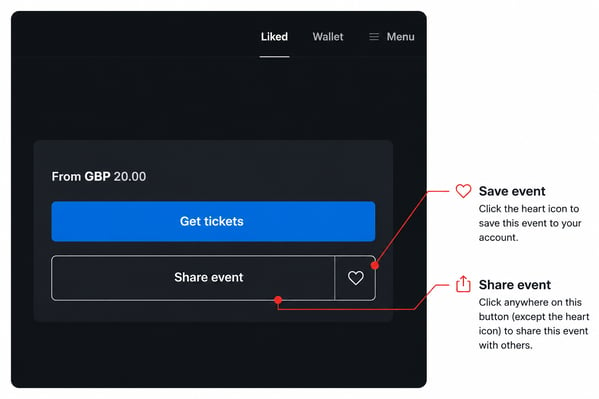
Save an event
- Log in to your Billetto account.
- Open the event you'd like to save.
- Click the heart icon on the right-hand side of the Share event button.
The event will then be added to your Liked list.
Find your saved events
To view your saved events, log in to your account and click Liked in the top navigation menu.
Share an event
To share an event with friends or your network, click Share event. You'll then see the available sharing options.